
NavKar Systems
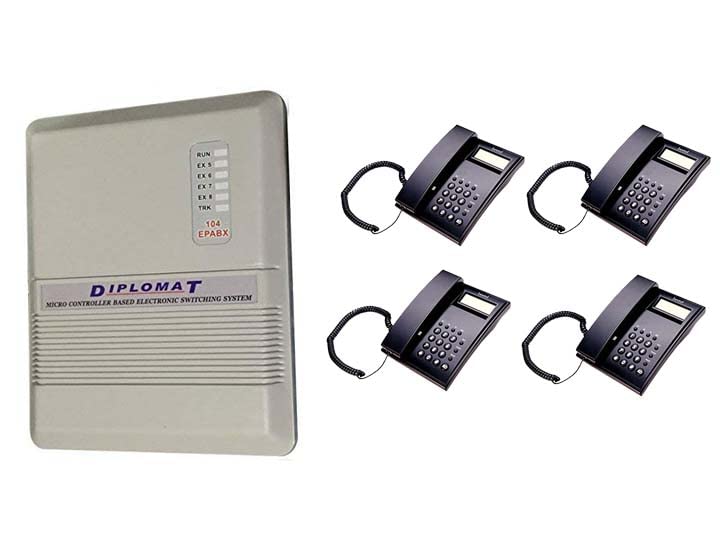
Combo-CN167 Diplomat 104 System with intercom C51 4 nos Phones
Combo-CN167 Diplomat 104 System with intercom C51 4 nos Phones
 . Cheaper here, direct.
- Amazon.in price
- Rs. 6,339
- Here, direct
- Rs. 6,022
- You save
- Rs. 317 (5% less)
Amazon price checked 28 Oct 2026; Amazon prices change often. All our prices include GST, with the same warranty and free support.
Couldn't load pickup availability
- Brand Name : Diplomat & Beetel Phones
- Intercom (extn. to extn. phone between 4 intercoms)
- Phone transfer, phone hold and busy transfer
- Phone pick-up form any extension and many more
-
Discount of Bulk Order
- This Package Includes
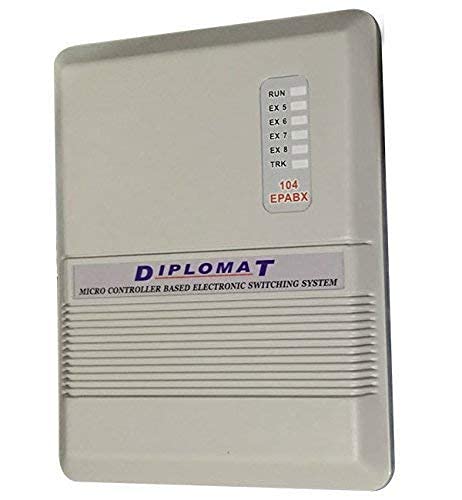
- DP-104=1pcs
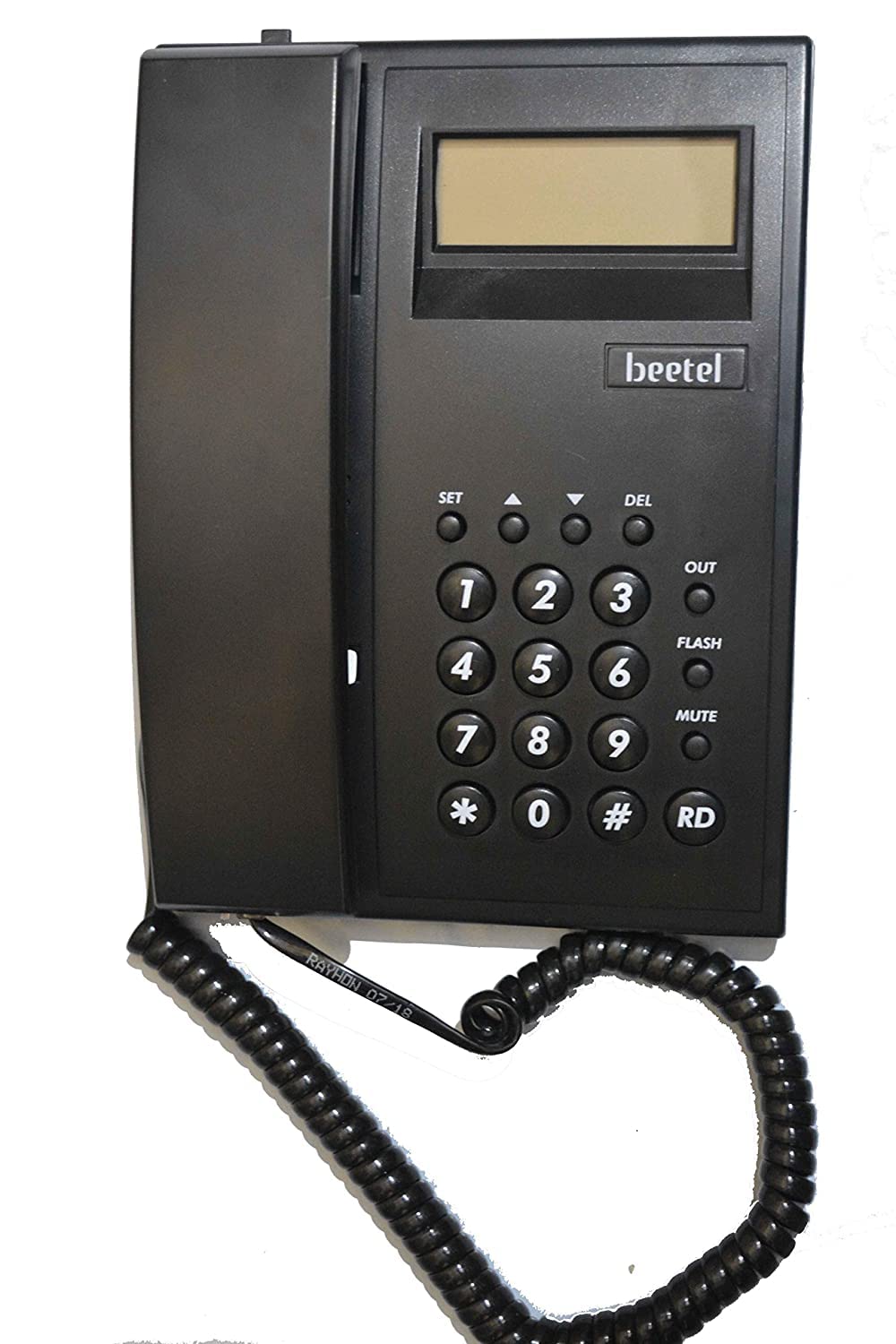
- C51=4pcs
Every call, connected.
The DP-104 connects 1 outside telephone line to 4 internal phones. Every phone can call every other phone free by dialling its extension number, and all phones share the outside line for incoming and outgoing calls. It suits homes, clinics and small shops.
In this kit
1 x DP-104 system and 4 x Beetel C51 caller ID phones. Ready to wire and use.
Room to grow
Every extension port is used by the phones in this kit.

Who it suits.
Size
Plan for about 20 percent more phones than you have today. This system fits up to 4 phones and 1 line.
Features
Call transfer, hold, call pickup and day / night mode. See the feature list above for this exact model.
Add-ons
No landline? Add a GSM gateway to use a mobile SIM as a line. Add a door phone and lock kit to open the gate from any phone.
How to install.
- Mount the unit on a dry, ventilated indoor wall near the telephone line socket and a power point.
- Cable each phone point back to the system with 2-core telephone cable. Keep it 30 cm away from mains wiring and label both ends.
- Terminate with a rosette at each phone; use an MDF box when you have 8 or more phones.
- Connect outside lines to the LINE / CO ports and each extension cable to an EXT port.
- Power-backup compatibility is model-specific. Follow the manual for the exact supplied model; do not connect batteries directly without an explicitly supported battery input and voltage.
- Test extension to extension and an outside call, then programme extension numbers and restrictions from the manual.

Questions, answered.
Can I use it without an outside line?
Yes. It works as an internal intercom with no line connected.
Which phones work with it?
Any standard analogue phone in tone or pulse mode. Use caller ID phones such as the Beetel C51 or M71 where you want to see who is calling.
Will it work in a power cut?
Power-backup compatibility is model-specific. Follow the manual for the exact supplied model; do not connect batteries directly without an explicitly supported battery input and voltage.
How far can phones be from the system?
Hundreds of metres on good 2-core telephone cable. CCL specifies under 600 ohms loop resistance per extension.
Frequently asked questions
What is an EPABX?
An EPABX is a small phone exchange. It shares a few outside lines between many extensions and lets staff call each other free of charge on an intercom.
Do I need special phones?
No. Standard corded or cordless telephones work as extensions. Simple 2 core telephone wire connects each extension to the exchange.
How do I choose the number of lines and extensions?
Pick the number of outside lines that can be in use at the same time and the number of desks or rooms to connect, then add some spare extensions for growth.
Do prices include GST?
Yes. Yes. All prices are inclusive of GST, and NavKar Systems delivers across India.
Is technical support available?
Yes. Free technical support is available for installation and setup.


