Hikvision
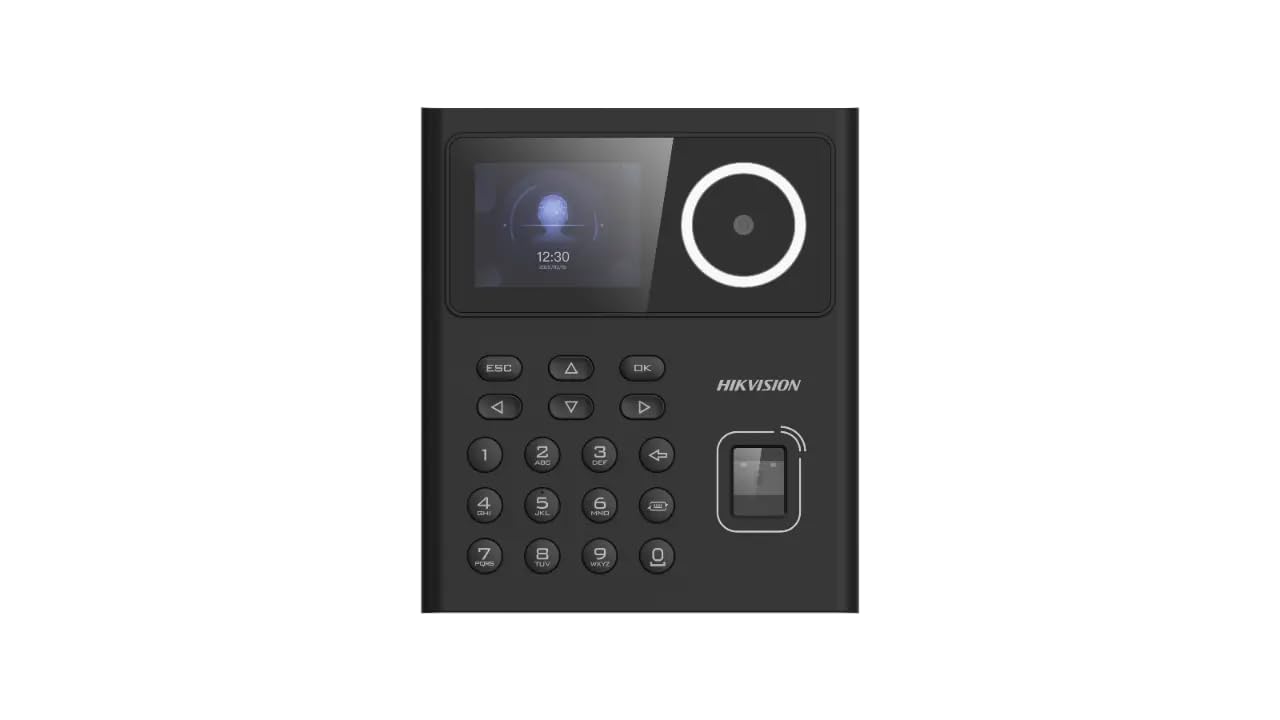
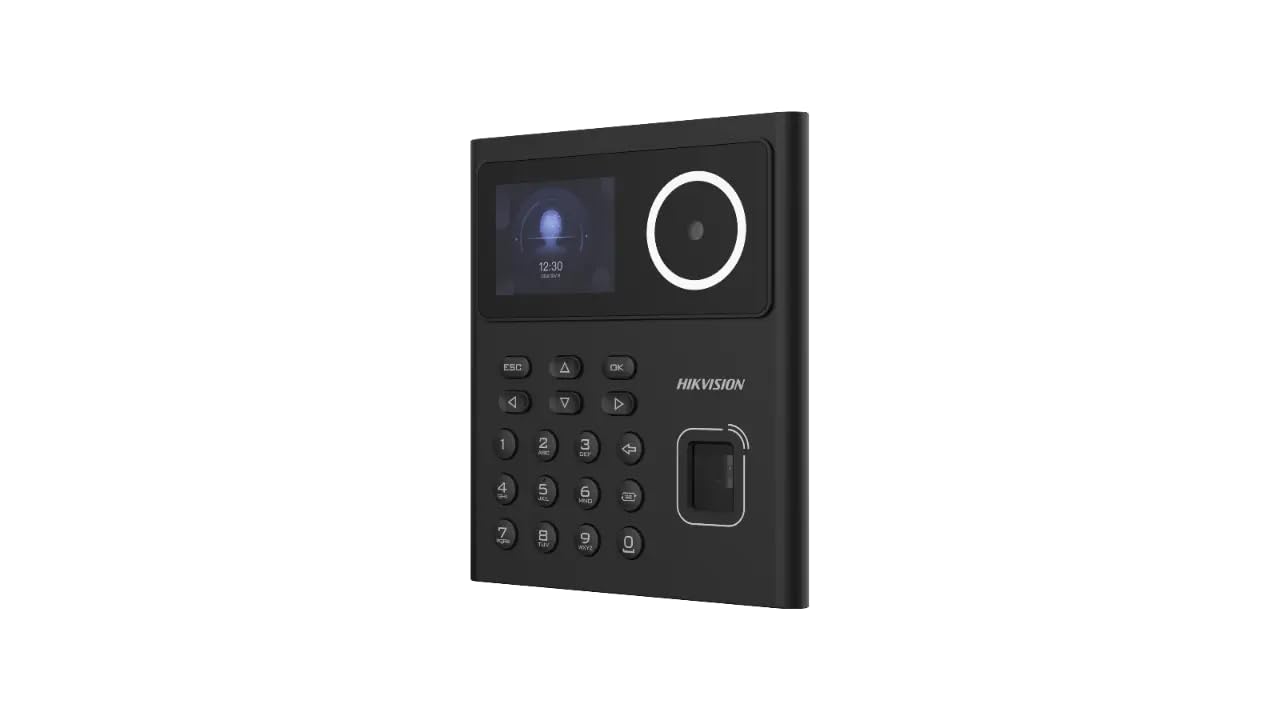
Hikvision DS-K1T320EFWX Face Finger Biometric Attendance Machine
Hikvision DS-K1T320EFWX Face Finger Biometric Attendance Machine
Couldn't load pickup availability
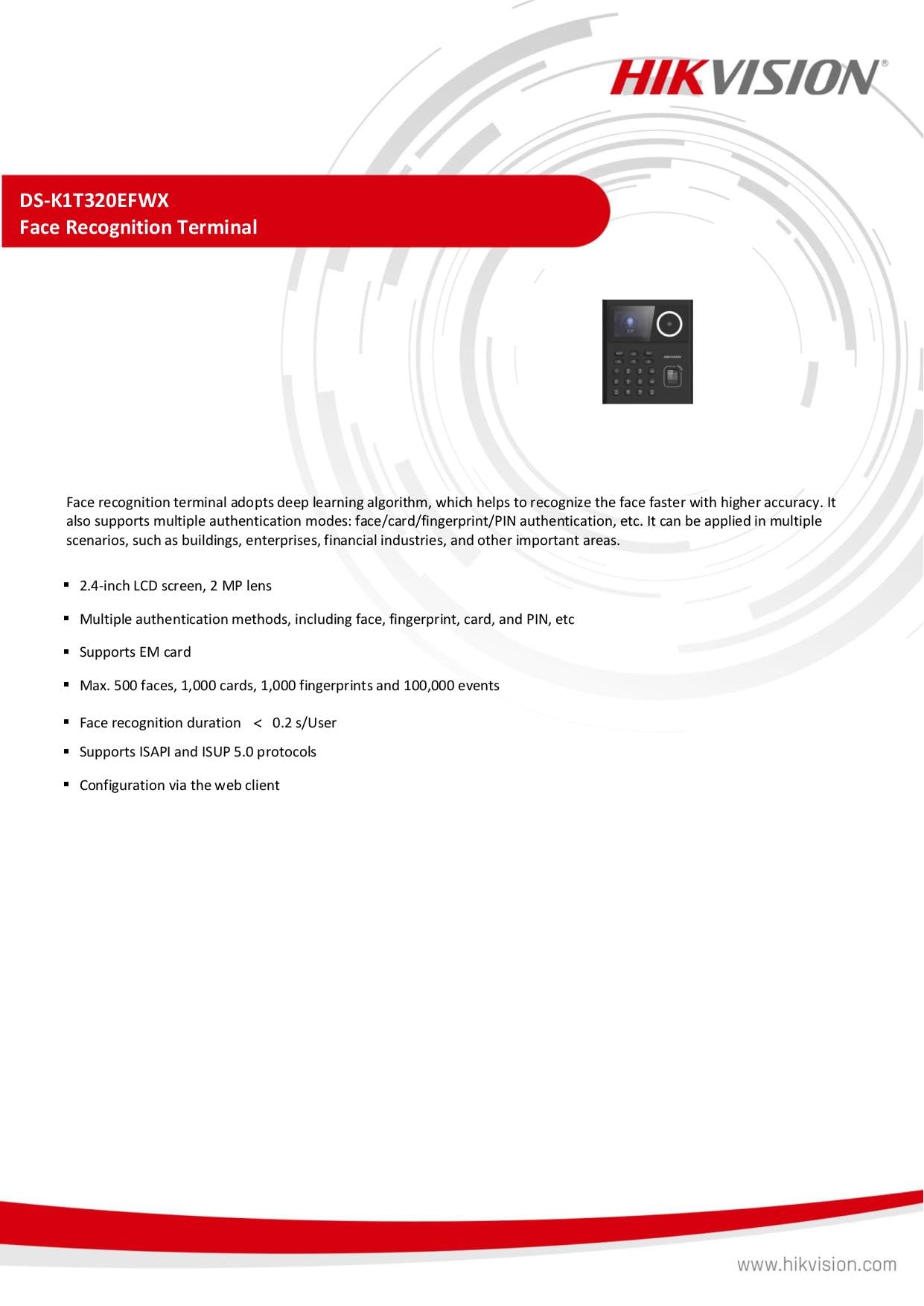
Elevate your attendance and access control with the Hikvision DS-K1T320EFWX Face Finger Biometric Attendance Machine. This device boasts a robust capacity, accommodating up to 500 faces, 1,000 cards, 1,000 fingerprints, and storing 100,000 events for comprehensive tracking. The 2.4-inch LCD screen offers a user-friendly interface for hassle-free operation, while the 2 MP lens ensures precise facial recognition. With its multifaceted biometric capabilities and vast event storage, this device is a reliable solution for businesses of all sizes seeking enhanced security and attendance management.
Specifications
System
- Operating System Linux
- Screen Size2.4 inch
- Type Display screen
- Resolution320 × 240
- Lens : 1
- Video Compression Standard PAL (Default) and NTSC
- Resolution2 MP (video stream: 720P)
- FOVHFOV = 43°; VFOV = 25°
- Audio Output Built-in buzzer
- Wired Network10 M/100 M self-adaptive
- Wi-Fi Support
- Network Interface1
- Lock Control1
- Exit Button1
- Door Contact Input1
- TAMPER1
- USB1
- Face Capacity 500
- Fingerprint Capacity ,000
- Card Capacity 1,000
- Event Capacity 100,000
- Face Recognition Distance0.3 m ~ 1.5 m
- Face Recognition Accuracy Rate> 99%
- Face Recognition Duration< 0.2 s
- Card Type EM card
- Card Reading Distance0 ~5 cm
- Built-In Access Controller: Yes
- Supplement Light : White light
- Power Supply: DC 12 V
- Power Consumption≤ 6 W
- Working Temperature-10 ℃ ~ 55 ℃ (14 °F ~ 131 °F)
- Working Humidity 0% ~ 90%
- Language English, Spanish (South America), Arabic, Thai, Indonesian, Russian, Vietnamese, Portuguese (Brazil), Korean, Japanese
- Face Anti-Spoofing Support
Brochure :-


Frequently asked questions
How does a biometric attendance machine work?
It identifies each person by fingerprint, face, palm or card and records the exact punch time. Reports can be downloaded as Excel or PDF, and many models connect to software over LAN or Wi-Fi, depending on the model.
Can the same machine also open a door?
Many models have a relay output that can control an electronic door lock, so one device can mark attendance and give door access. Check the product specifications for the relay or access control feature.
What do I need to install it?
A wall mount or desk stand, a power adapter and, for network models, a LAN cable or Wi-Fi. Our team gives free technical support for setup.
Do prices include GST?
Yes. Yes. All prices are inclusive of GST, and NavKar Systems delivers across India.
Is technical support available?
Yes. Free technical support is available for installation and setup.